
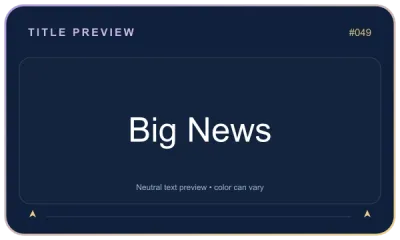
Big News is a Blox Fruits title. Availability: The current Codes page lists BIGNEWS as a title code.
Requirements
- An unused BIGNEWS redemption for the account.
- The title appears on first entering Second Sea, even if the code was entered in First Sea.
Where to go
The current Codes page places code entry in Settings → Redeem DLC Code.
Steps
- Open Settings in Blox Fruits and choose Redeem DLC Code.
- Enter BIGNEWS and redeem it once. If the account already used it, repeating the code does not create another title.
- If you redeemed in First Sea, reach and enter the Second Sea to receive the title; the code page explicitly documents that delayed award.
- Check Titles Specialist in Café’s basement and equip Big News.
Cost
The code is free. No Money, Fragment or Robux purchase is required for this title.
What it does: Displays Big News as your selected cosmetic title beside your name in Roblox chat. Eligible rare titles can also appear in the Player Profile showcase. This title does not add damage, defense or a fruit ability.
How to equip it
Visit Titles Specialist to equip an owned title: in Second Sea Café, collect the silver chest on the left to reveal the basement ladder; the NPC is in front of the ladder below. In Third Sea Mansion, he is on the right after entering through the front door.
Choose this title in the owned-title list and equip it. For title color choices and the full display controls, see Title colors and equipping titles.
Sources & title reference
Checked November 16, 2026: Titles, Codes, Titles Specialist.
- Do not insist the code itself must be entered in Second Sea; the detailed Codes source gives an explicit First Sea redemption exception.
Title text/appearance references come from the pinned Blox Fruits Wiki title tables. The site’s labeled title preview represents text and color, rather than an in-game screenshot. Wiki text is available under CC BY-SA, unless a source page states otherwise.