
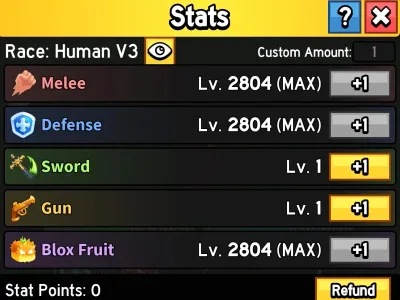
Open the allocation menu
- Earn character levels. Each level awards three Stat points.
- Open Menu → Stats and check the unspent points shown at the bottom.
- Choose the category you want to improve. Read its role below before spending points.
- Use that category’s + button. The Stats interface also has a Custom Amount field for selecting a larger allocation; check the amount before pressing a category button.
- Recheck the new category value and remaining points. Try your attacks or inspect Health/Energy to understand the result.
- If you want to redistribute spent points, use the separate Stat Reset guide. Normal point allocation does not refund a previous allocation.
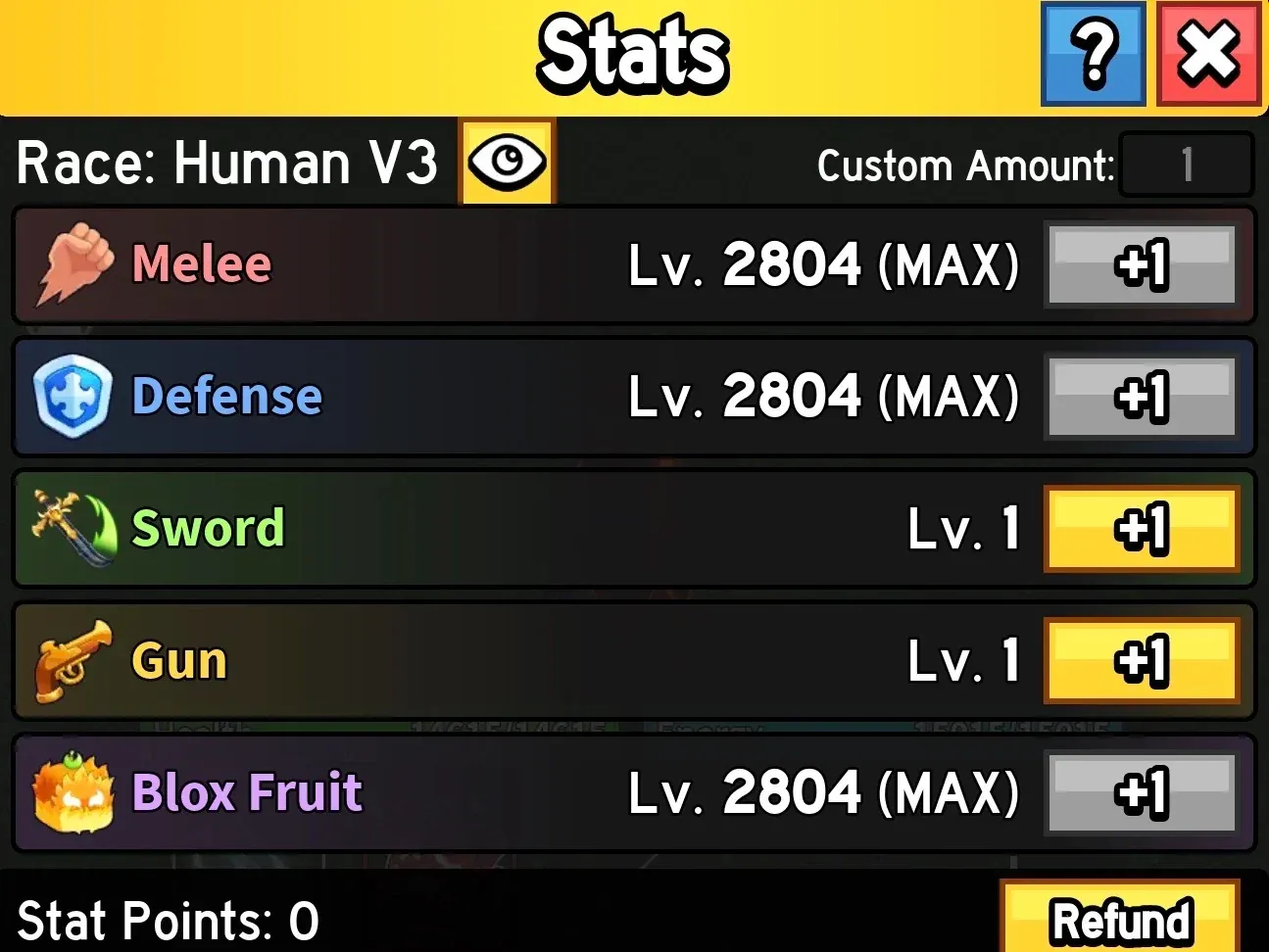
Choose a category
| Stat | Main effect |
|---|---|
| Melee | Fighting-style damage and maximum Energy |
| Defense | Maximum Health |
| Sword | Sword damage |
| Gun | Gun damage |
| Blox Fruit | Blox Fruit damage |
Spend points on the damage type you use while keeping enough Health and Energy for your route. Weapon Mastery is trained separately by using the weapon; allocating Sword points does not unlock a sword’s Mastery-gated move.
Limits and refunds
The stat cap follows the current level cap and completed Island Secrets. The source screenshot is a menu example, not a promise that every account has its displayed cap. At the current overall point budget, a player can normally max three of the five categories. Race V4 transformations can temporarily provide max stats across the categories.
Plokster or a Shop Stat Reset returns allocated points. Read that guide for the 2,500-Fragment and 75-Robux alternatives.
Cost
Spending an available Stat point has no additional Money, Fragment or Robux fee. A refund is a separate paid or code-based service.
What it does: Distributes earned level-up points between combat damage, Health and Energy. It changes your build rather than purchasing a fighting style, move or fruit.
Keep enough Energy for your build
For the separate combat resource, read Energy management: how Melee stats affect the pool, how recovery works and why weapon damage stats do not replace Energy preparation.
Sources & image credits
Sources and image credits
Checked November 17, 2026 against pinned Blox Fruits Wiki revisions: Stats, Energy, Health.
Actual game NPCs, locations and interfaces by Blox Fruits Wiki contributors: File:NewStats.jpeg. Images were resized without enlargement and converted to WebP, preserving source content and aspect ratio. Animated NPC sources use a representative original frame. Source metadata, original and output hashes are recorded in the gameplay-systems research manifest.
