

Requirements
- For the normal NPC route, reach the Second or Third Sea with 2,500 Fragments.
- For the Shop alternative, have 75 Robux per reset.
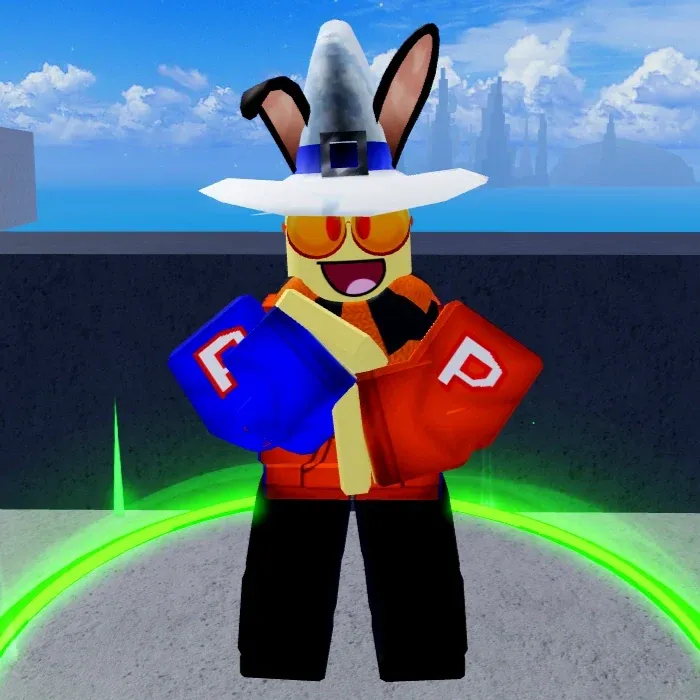
Use Plokster for Fragments
- In the Second Sea, find Plokster on the bridge between Kingdom of Rose and Green Zone. In the Third Sea, find him inside the blue-roofed building at Castle on the Sea.
- Talk to him with 2,500 Fragments available.
- Accept the stat-refund offer. This spends the Fragments and returns your allocated Stat points.
- Open Menu → Stats and assign the refunded points to your intended build.
Shop alternative
Open Menu → Shop, select Stat Reset, check the 75-Robux prompt and purchase it for your account. The source also lists stat-reset codes and stored products received through trading; valid code availability can change, so no specific code is promised here.
Cost
2,500 Fragments per reset from Plokster, or 75 Robux per Shop reset. These are alternative routes, not two payments for the same reset.
What it does: Returns allocated Stat points so you can redistribute them between Melee, Defense, Sword, Gun and Blox Fruit. It changes the point allocation rather than granting extra points or purchasing a new race.
Sources & image credits
Sources and image credits
Checked November 16, 2026 against pinned Blox Fruits Wiki revisions: Stat Reset, Plokster, Shop, Codes.
Actual game icons, item examples and NPC/event interfaces by Blox Fruits Wiki contributors: StatReset.png, Plokster2.png. Images were resized without enlargement and converted to WebP, preserving their original aspect ratio, transparency and source content. Image metadata, dimensions and hashes are recorded in the extra-item source manifest.

