
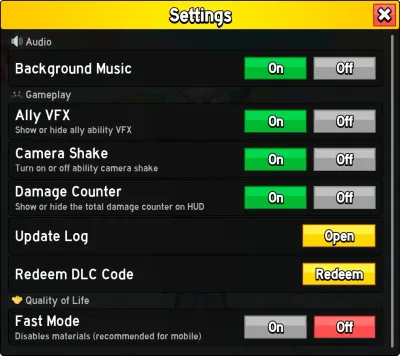
Redeem through the current menu
- Obtain a code from an official Blox Fruits developer announcement or another source you trust. A code appearing in an old video is not proof it still works.
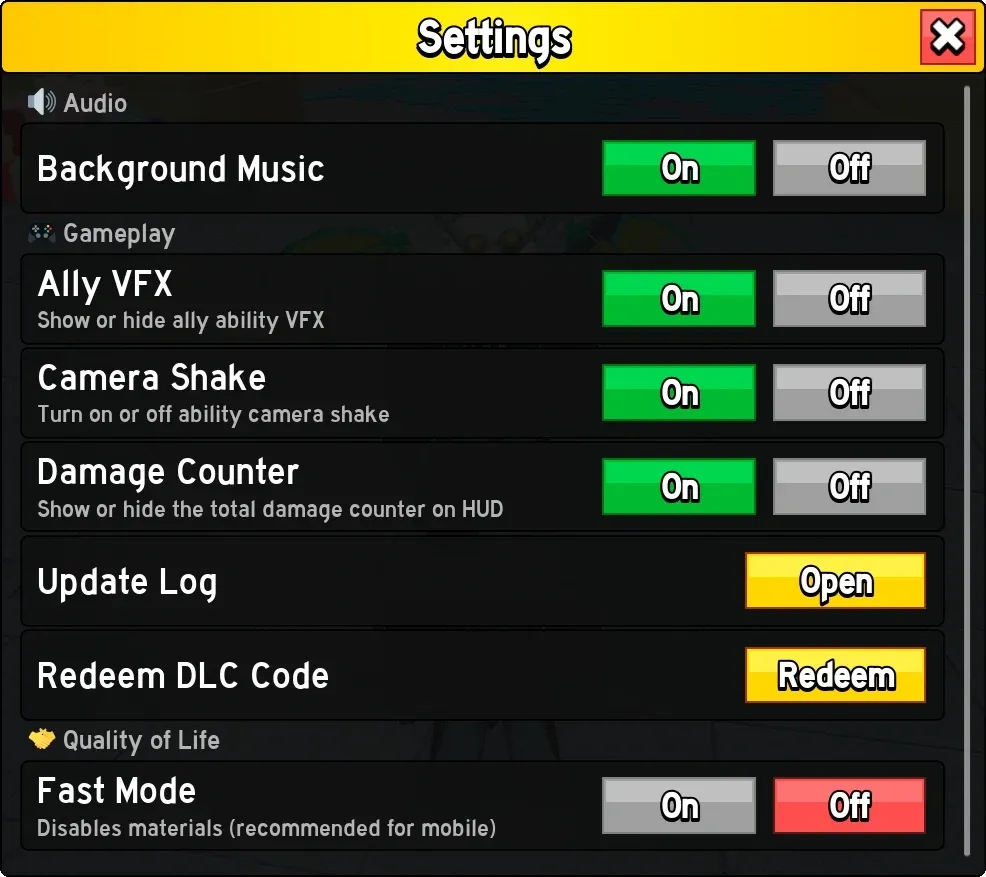
- In Blox Fruits, open Settings.
- Choose Redeem DLC Code, then enter the code exactly as supplied.
- Submit it and read the in-game result. An expired, incorrect or already redeemed code does not provide a fresh reward.
- Check the relevant result: Money balance, refunded Stat points, unlocked title or remaining 2× EXP time.
Understand the reward
Codes can award Money, a Stat Reset, a title or a duration of 2× EXP. The reward belongs to the specific code; entering any arbitrary code does not let you choose a reward.
Documented 2× EXP durations stack and persist over rejoins. A Stat Reset returns allocated points and still requires you to redistribute them in Stats. See Stat allocation for that next step.
This guide explains the redemption service rather than promising an undated list of active codes. Availability can change after a developer announcement.
Cost
Code redemption itself has no listed Money, Fragment or Robux fee.
What it does: Claims the reward assigned to an eligible valid code. It does not create a reusable purchase or guarantee a specific reward from every code.
Sources & image credits
Sources and image credits
Checked November 17, 2026 against pinned Blox Fruits Wiki revisions: Codes, Settings.
Actual game NPCs, locations and interfaces by Blox Fruits Wiki contributors: File:Settings.png. Images were resized without enlargement and converted to WebP, preserving source content and aspect ratio. Animated NPC sources use a representative original frame. Source metadata, original and output hashes are recorded in the gameplay-systems research manifest.
