
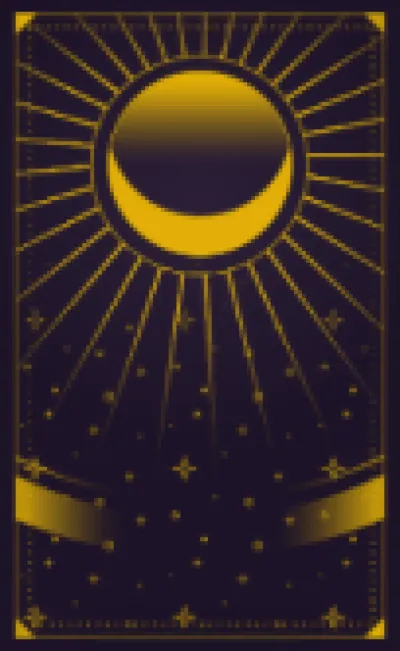
Tarot is the background obtained by clicking a glowing tarot card while Trick or Treating. It is a Halloween encounter interaction, rather than a shop recipe or a title named Tarot.
Cost
No Money, Fragment, Robux or currency payment is documented for clicking the card. Its appearance is encounter-dependent; no fixed island, exact room, spawn chance or guaranteed number of doors is established.
What it does: Changes the Player Profile background to Tarot. It is cosmetic and does not raise damage, defense, levels or fruit/weapon Mastery.
Acquisition steps
- Check that the relevant Halloween Trick or Treating content is active on your server. This route is not available merely because an ordinary Full Moon appears.
- Wait for the Harvest Moon announcement. Its documented event window is 10 minutes, from XX:00 to XX:10 UTC, while that seasonal event is enabled.
- Interact with eligible doors on buildings to enter Trick or Treating encounters. A door can temporarily close for about 20 seconds after being used, so check another eligible door instead of repeatedly clicking the same closed one.
- During the activity, look for an actual glowing tarot card. The source does not identify a guaranteed specific room, so a particular boss, NPC or island is not presented as a fixed shortcut.
- Click the glowing card when encountered, then check your owned profile backgrounds for Tarot. Candy Corn, a title or an ordinary decorative picture is not the named background unlock.
- Select the owned artwork in your profile. If the activity ends without finding the card, another eligible event window is needed; a fixed number of doors is not guaranteed.
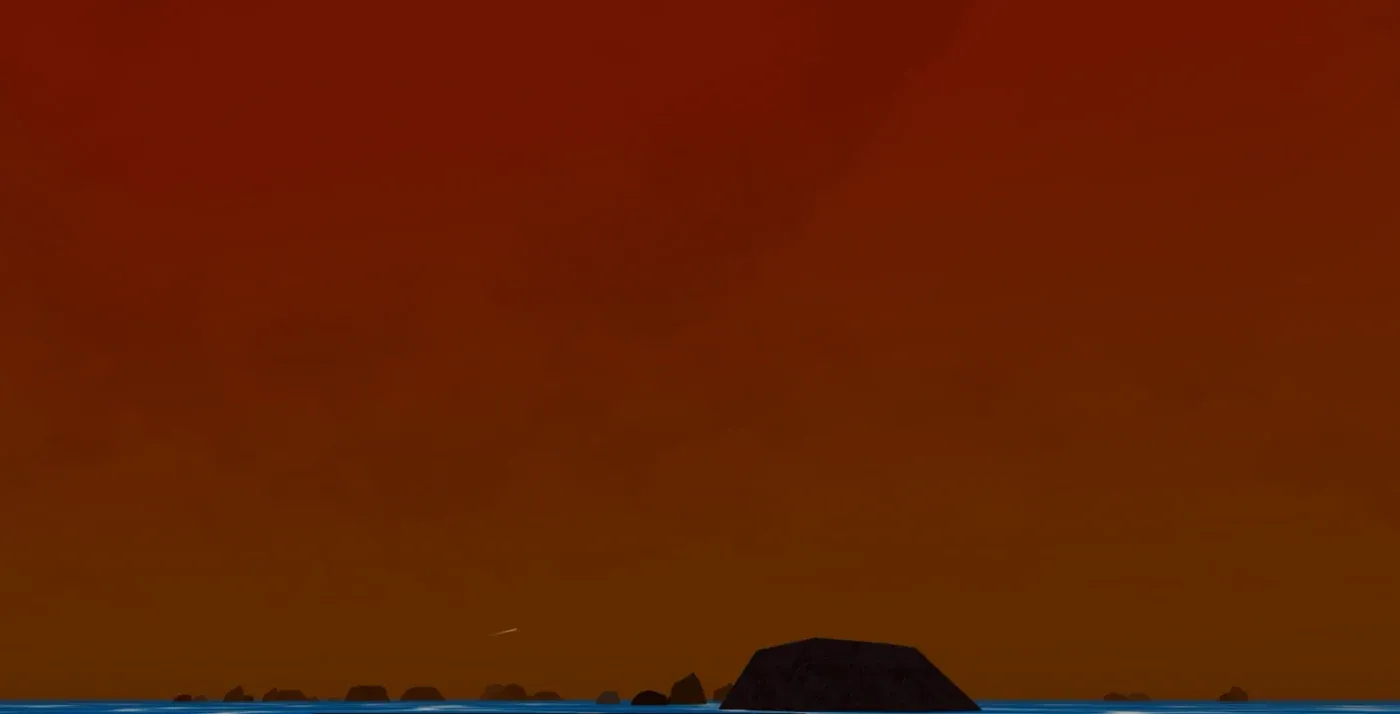
Equip the background
- Open Player Profile using the button above the compass, beside Home Point.
- Open My Profile/Your Profile, then use your own profile’s editing controls to choose an owned background.
- Select Tarot from that owned list and confirm the change. An item shown in somebody else’s profile does not mean your account owns it.
- Reopen your profile to check the selected background. This changes the profile display, rather than your island map or combat loadout.

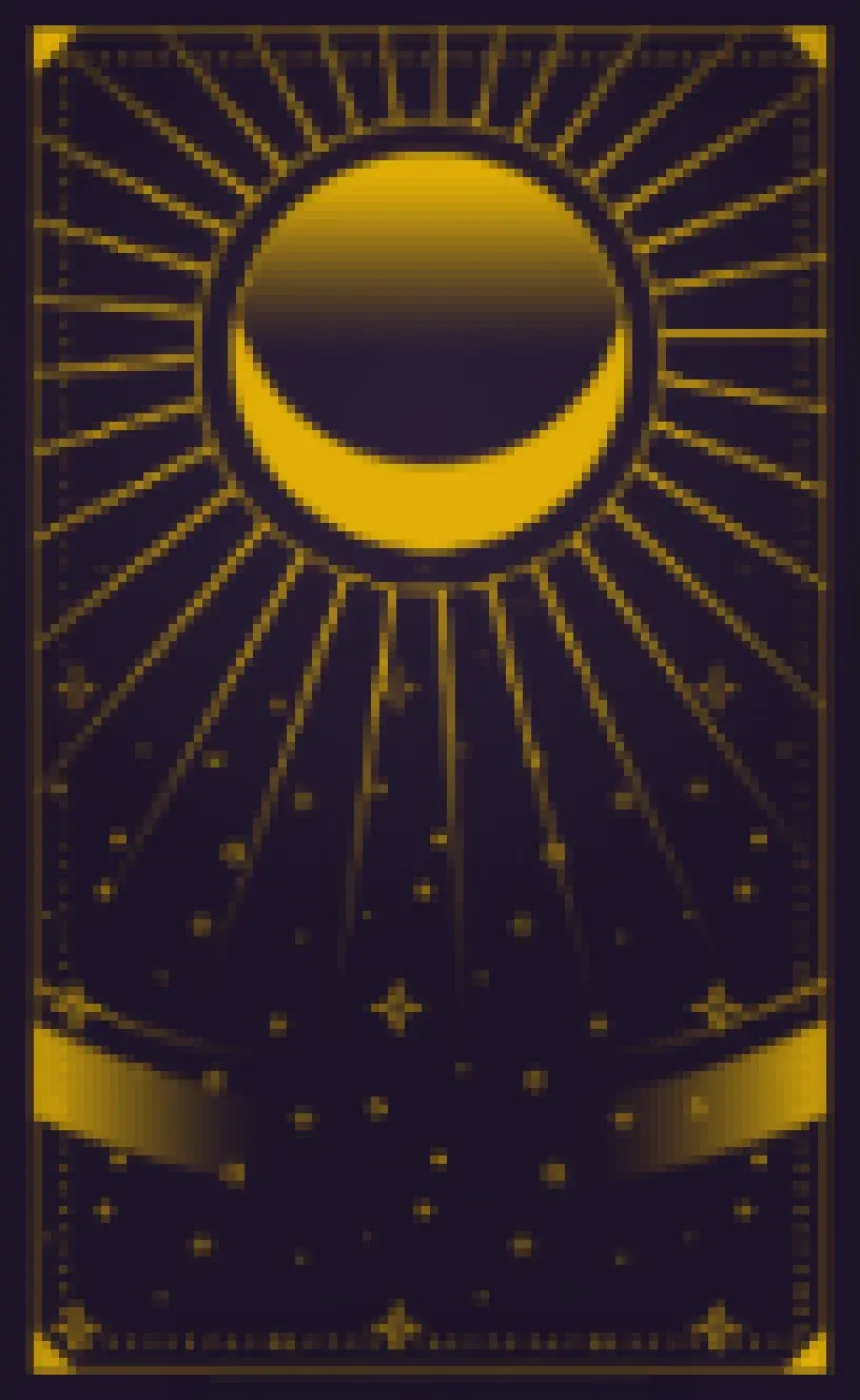
Actual background artwork
Sources & image credits
Checked November 17, 2026 against pinned Blox Fruits Wiki revisions: Player Profile, Events, Trick or Treating.
Actual skin models, in-game appearance references, profile artwork and route images: File:Tarot Profile Background.png, File:Trick or Treat Sky.png, File:PlayerProfilesLocation.png — their Blox Fruits Wiki file contributors. Images retain original content and aspect ratio, with proportional WebP conversion; no generated gameplay images. Original English prose. Source contributions are available under CC BY-SA, unless a file page states otherwise. Source pins, caveats, original-file metadata and SHA-256 records are kept in the cosmetic research manifest.


