
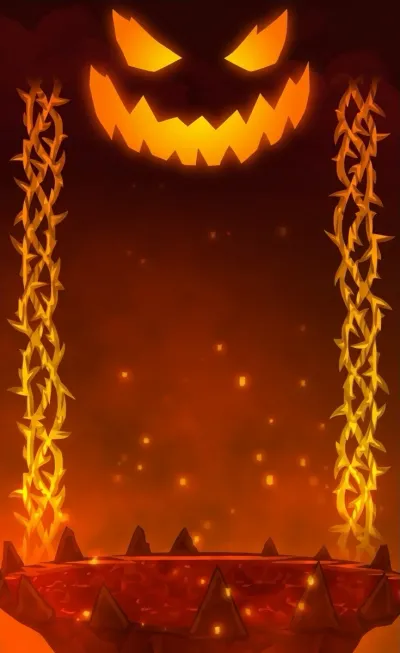
Great Pumpkin is the profile background listed among The Great Pumpkin’s Halloween 2026 boss rewards. The boss and Witch portal depend on the relevant event services being present.
Cost
Opening the documented boss route costs 3 Cursed Pumpkin Seeds + 200 Pumpkin Bits at Witch. A background-specific drop percentage or guaranteed number of boss clears is not provided; the ingredient payment is portal access, not a direct background purchase.
What it does: Changes the Player Profile background to Great Pumpkin. It is cosmetic and does not raise damage, defense, levels or fruit/weapon Mastery.
Acquisition steps
- Check that the Halloween event’s Pumpkin enemies, Witch and Great Pumpkin encounter are actually available.
- Gather 3 Cursed Pumpkin Seeds and 200 Pumpkin Bits. Event Pumpkin Snowmen drop a seed when defeated, while ordinary event Pumpkins can rarely provide one.
- Find Witch at the center of Middle Town, inside Café, or outside Mansion, for the First, Second or Third Sea respectively.
- Choose the Great Pumpkin access exchange and pay all three seeds plus 200 bits. Witch brews a separate orange cauldron and opens the route to the Observatory.
- Interact with the cauldron/portal and fight the Level 3,000 Great Pumpkin. It has a 10-minute despawn; keep moving away from Pumpkin Rain crosshairs and its circular fire waves.
- Contribute to the boss defeat and inspect its rewards for Great Pumpkin profile background. Its Top Hat is a separate possible accessory reward, not the background itself. If you die during the encounter, the documented route lets you re-enter through the cauldron.
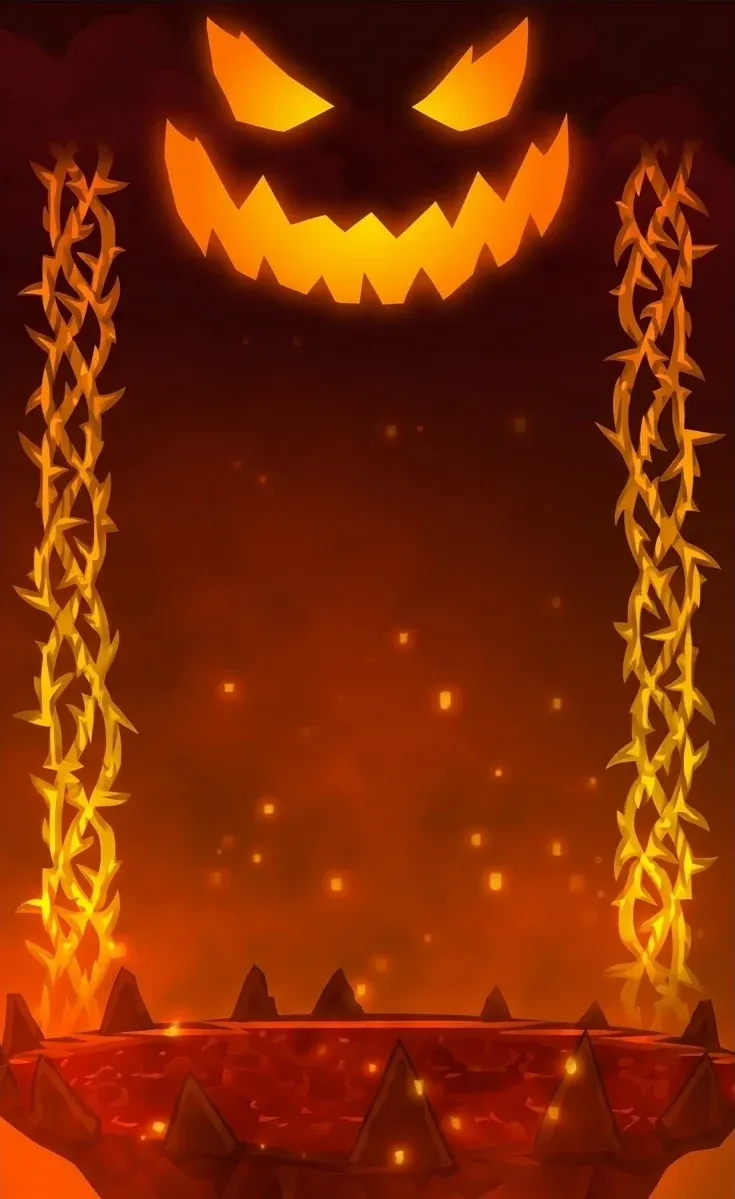
- Check your owned profile backgrounds and select the Great Pumpkin artwork below.
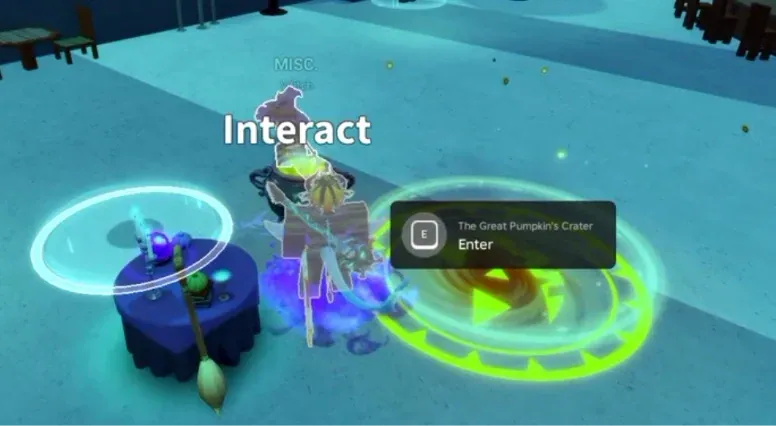
Equip the background
- Open Player Profile using the button above the compass, beside Home Point.
- Open My Profile/Your Profile, then use your own profile’s editing controls to choose an owned background.
- Select Great Pumpkin from that owned list and confirm the change. An item shown in somebody else’s profile does not mean your account owns it.
- Reopen your profile to check the selected background. This changes the profile display, rather than your island map or combat loadout.

Actual background artwork
Sources & image credits
Checked November 17, 2026 against pinned Blox Fruits Wiki revisions: Player Profile, Events, The Great Pumpkin, Witch, Cursed Pumpkin Seed, Pumpkin Snowman.
Actual skin models, in-game appearance references, profile artwork and route images: File:Great Pumpkin Profile Background.png, File:Great pumpkin boss fight access.png, File:PlayerProfilesLocation.png — their Blox Fruits Wiki file contributors. Images retain original content and aspect ratio, with proportional WebP conversion; no generated gameplay images. Original English prose. Source contributions are available under CC BY-SA, unless a file page states otherwise. Source pins, caveats, original-file metadata and SHA-256 records are kept in the cosmetic research manifest.


