
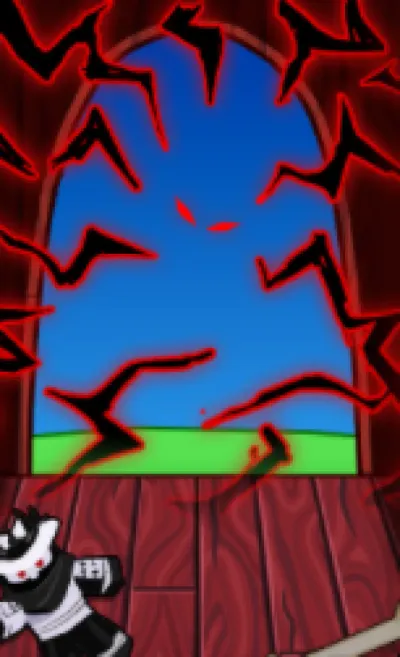
Doghouse (Frame Break) was one possible reward from the redeemable Love Letter in the ended Dog House Event 2026. This Frame Break variant is documented as tradeable; an already applied background is not a spare voucher.
Cost
One owned Love Letter is consumed per redemption, with a random reward and no verified background-specific odds. A remaining genuine Frame Break item can be traded for an agreed offer; it has no fixed Money or Robux price.
What it does: Changes the Player Profile background to Doghouse (Frame Break), with its documented Frame Break presentation. It is cosmetic and does not raise damage, defense, levels or fruit/weapon Mastery.
Acquisition steps
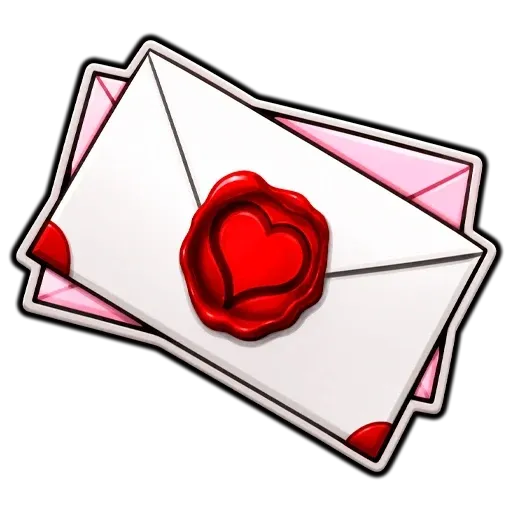
- Identify the Love Letter (Item) treasure. It is not one of the three letters used in Dark Blade’s Son Quest.
- Historically, the July 29 and August 1, 2026 Dog House event took players through Dog House (Indra) into a giant doghouse. Complete all three enemy/boss waves for the event reward. Those were scheduled event runs, not a permanent boss-spawn route.
- If you already own an unredeemed genuine Love Letter, select it in Inventory and use Redeem. An event rerun would need to be actually available before obtaining a new one this way.
- Read the random outcome. The pool included Dog Blade, Rabid Skin, a Fruit Box, Doghouse and Doghouse (Frame Break); a letter does not guarantee a profile background.
- Check that the reward’s name is exactly Doghouse (Frame Break), then select the owned background below.
- For the remaining Frame Break trading route, sit opposite a seller at Café or Mansion and inspect the actual Doghouse (Frame Break) stored item. Complete the agreed trade only after checking that exact product, then redeem/select the received unlock as offered by its Inventory entry. A normal Doghouse background, equipped sword or chat promise is not the Frame Break item.
Equip the background
- Open Player Profile using the button above the compass, beside Home Point.
- Open My Profile/Your Profile, then use your own profile’s editing controls to choose an owned background.
- Select Doghouse (Frame Break) from that owned list and confirm the change. An item shown in somebody else’s profile does not mean your account owns it.
- Reopen your profile to check the selected background. This changes the profile display, rather than your island map or combat loadout.

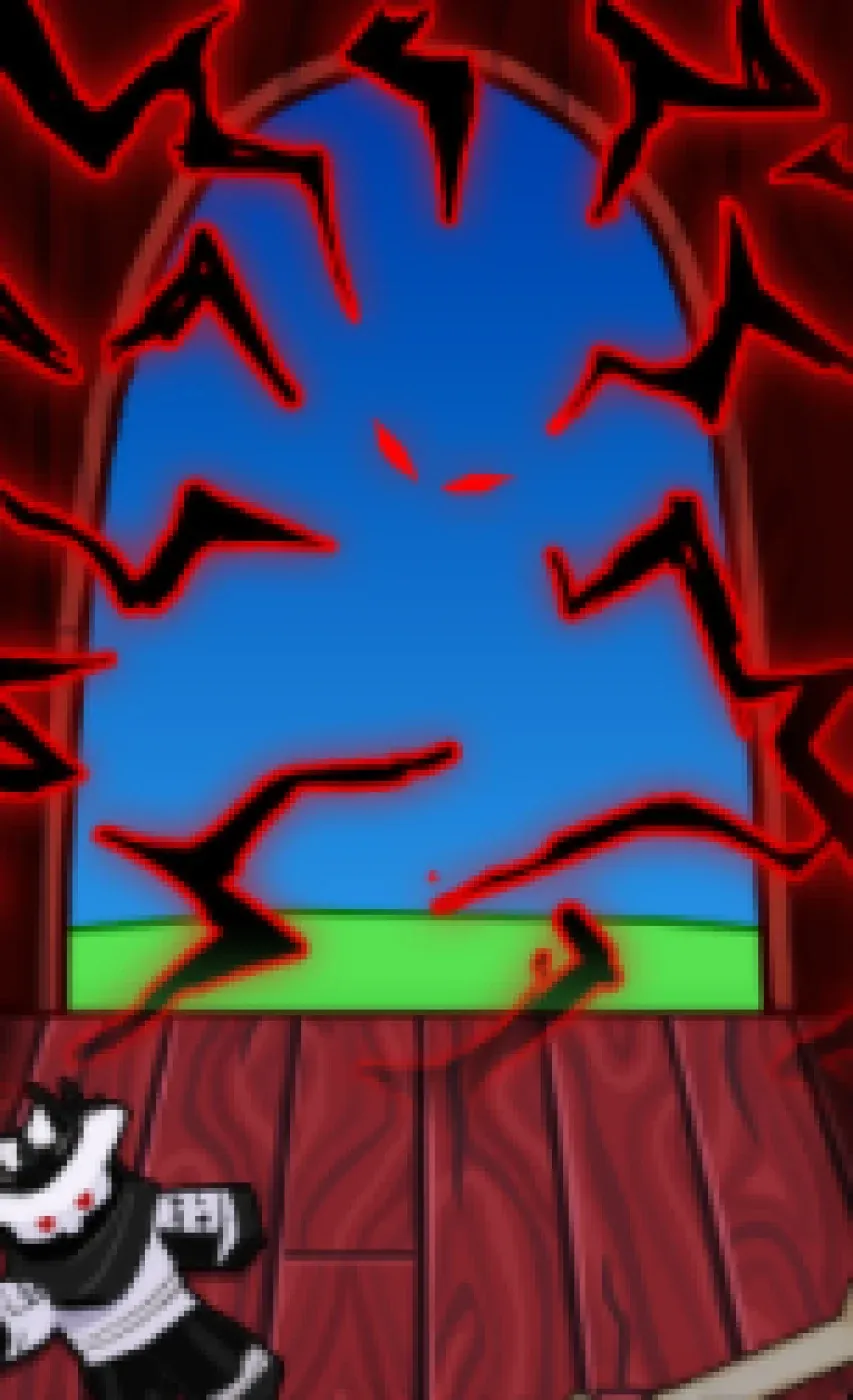
Actual background artwork
Sources & image credits
Checked November 17, 2026 against pinned Blox Fruits Wiki revisions: Player Profile, Events, Love Letter (Item), Trading, Dog House (Indra).
Actual skin models, in-game appearance references, profile artwork and route images: File:Doghouse (Frame Break) Profile Background.png, File:Love Letter (Item).png, File:PlayerProfilesLocation.png — their Blox Fruits Wiki file contributors. Images retain original content and aspect ratio, with proportional WebP conversion; no generated gameplay images. Original English prose. Source contributions are available under CC BY-SA, unless a file page states otherwise. Source pins, caveats, original-file metadata and SHA-256 records are kept in the cosmetic research manifest.


