
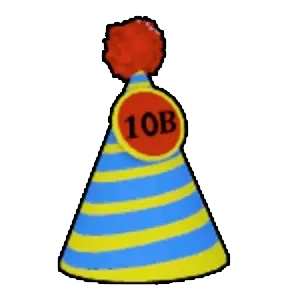
Unavailable as of November 13, 2026. The 10B Confetti celebration of November 29–December 6, 2022 has ended. The steps below explain its historical route; they are not a working farm or purchase route today. If you already own this item, you can still equip it.
Requirements
The 10B Confetti celebration is over, so a new player cannot currently start this route. The currency and NPC instructions below apply to that event while it was running.
Where to go
During that celebration, use the Party Shop, now documented under Event Shop. This is the original Party Hat, not the separate 50b Party Hat from a later celebration.
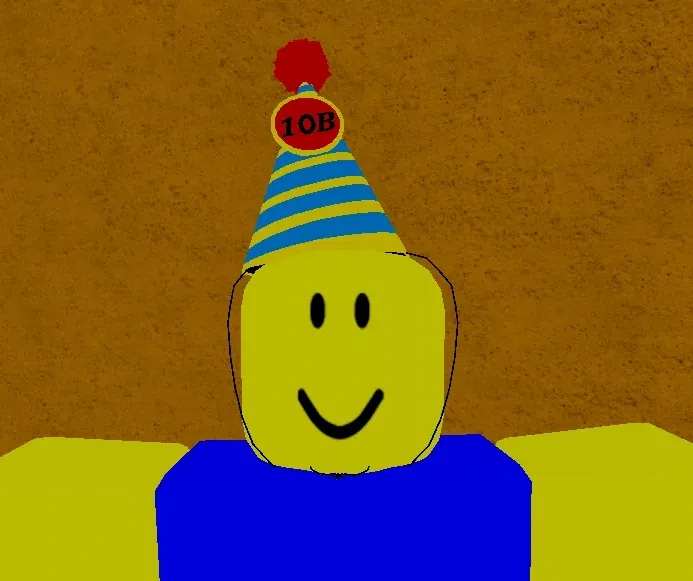
Historical steps
- During the 10B celebration, collect 750 Confetti.
- Find the event’s Party Shop.
- Select Party Hat and spend 750 Confetti.
- Check your accessory inventory. This historical fixed-price shop route does not apply to the later 50b Party Hat gacha.
- Open Inventory, select Party Hat under accessories and press Equip. You can wear one accessory at a time; equipping it replaces your current accessory.
Cost
Historical price: 750 Confetti. The 2022 celebration has ended, and there is no current public purchase for the original Party Hat.
What it does: Party Hat gives +10% level experience, +10% Mastery experience, +400 Energy and +400 Health while equipped. Its bonuses match the separate 50b Party Hat.
Sources & image credits
Sources and image credits
Checked November 13, 2026 against pinned Blox Fruits Wiki revisions: Party Hat, Accessories, Event Shop, Confetti, Events.
Actual item artwork, worn-item screenshot by Blox Fruits Wiki contributors: Party Hat.png, PartyHatInGame.png. Images were resized without enlargement and converted to WebP; original alpha was preserved on the inventory covers. Source URLs, upload metadata, dimensions and hashes are recorded in the accessory image source manifest.

