
Steps
- Open Menu, then Inventory. Switch to the Build tab to see what is active.
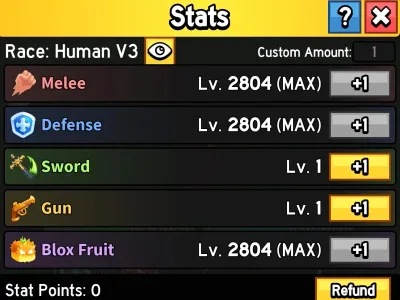
- Check your fighting style, gun, fruit, accessory, trinkets and race. Inspect the listed accessory and trinket effects to see what accompanies the loadout.
- If the wrong item is active, switch to its inventory category, equip the intended item and revisit Build to confirm the change.
Cost
Viewing the Build tab is free.
What it does: The Build view confirms your currently equipped accessory, trinkets, race, powers and weapons in one place.
Sources & image credits
Game details: Inventory Build tab · Build Menu introduction.
Cover image: File:NewStats.jpeg · Blox Fruits Wiki contributors.
