


Cost
Dealer price: 350,000 Money for one equipped fruit, or 750 Robux for permanent ownership. The Money route requires stock. Permanent ownership lets you equip it again later. Gacha rolls are random and use a separate, level-dependent price.
What it does: Ice freezes enemies with stuns and supplies an ice weapon for basic attacks. It supports movement across water and an optional awakening with stronger crowd control.
Buy Ice with Money
- Save 350,000 Money. There is no separate fruit quest to unlock this dealer purchase.
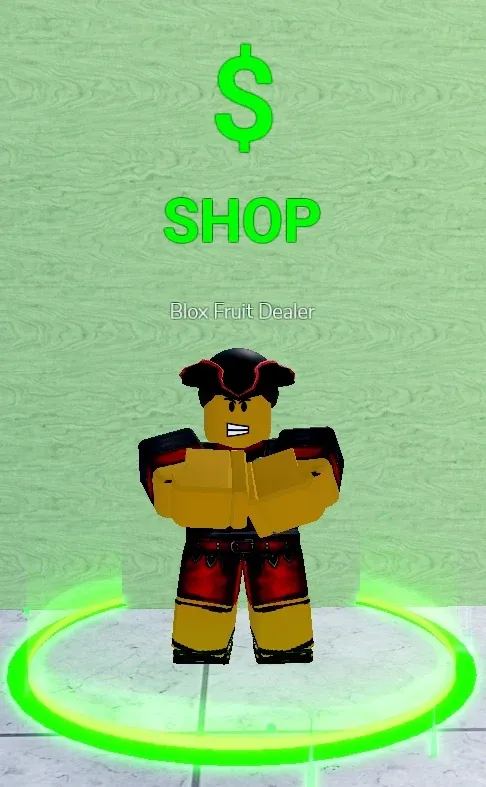
- Go to a Blox Fruit Dealer: Middle Town in the First Sea, Café in the Second Sea, or Mansion in the Third Sea are convenient stops.
- Talk to the dealer and find Ice in the list. A Money purchase only works while it is in stock; regular stock changes every four hours and is shared across servers.
- Check which fruit you currently have equipped. Buying with Money immediately replaces that fruit; it does not put a tradeable physical Ice into storage.
- Confirm the purchase to equip Ice. Train its Mastery to unlock its attacks.
Buy the permanent version
- Open the in-game Shop or the dealer’s permanent-fruit purchase option.
- Select Ice, check the product name, and review the 750 Robux permanent price.
- Purchase it for yourself to unlock repeat equipping. If you want a tradeable product instead, choose the gift/storage option and verify that the item is stored before paying.
- Equip your redeemed permanent Ice from the fruit shop when you want to use it. Permanent ownership does not automatically awaken the fruit or complete its separate upgrades.
A player can gift a permanent fruit. An unredeemed stored permanent can also be offered in an in-game trade. A redeemed permanent unlock cannot be removed and sold again.
Get a physical Ice
- For a trade, reach the Second Sea or Third Sea and sit opposite another player at the Café or Mansion trading tables.
- Check that their side contains the actual physical Ice, or an explicitly identified permanent Ice if that is what you agreed. Review the offer in the game window before accepting. Player offers have no fixed dealer-equivalent price.
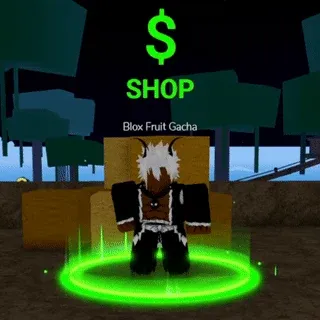
- A physical fruit may also come from random fruit sources. The Blox Fruit Gacha is in Middle Town, the Café, and the Mansion; it requires Level 50+, charges a level-dependent Money amount, and normally has a two-hour cooldown. Select a roll only if you accept a random result: you cannot choose Ice.
- Search eligible natural fruit spawns as another random route. Spawns ordinarily occur every 60 minutes, or 45 minutes on weekends, and uncollected fruits disappear after 20 minutes. Finding a fruit does not guarantee Ice; the First Sea location list is explicitly marked outdated, so follow the live fruit or your Notifier instead of an old exact spot.
- If you obtain a physical Ice, store it to keep it for later or for a trade. Choose Eat only when you are ready to replace your currently equipped fruit. Eating one physical fruit does not grant permanent ownership.
Third Sea stock alternative
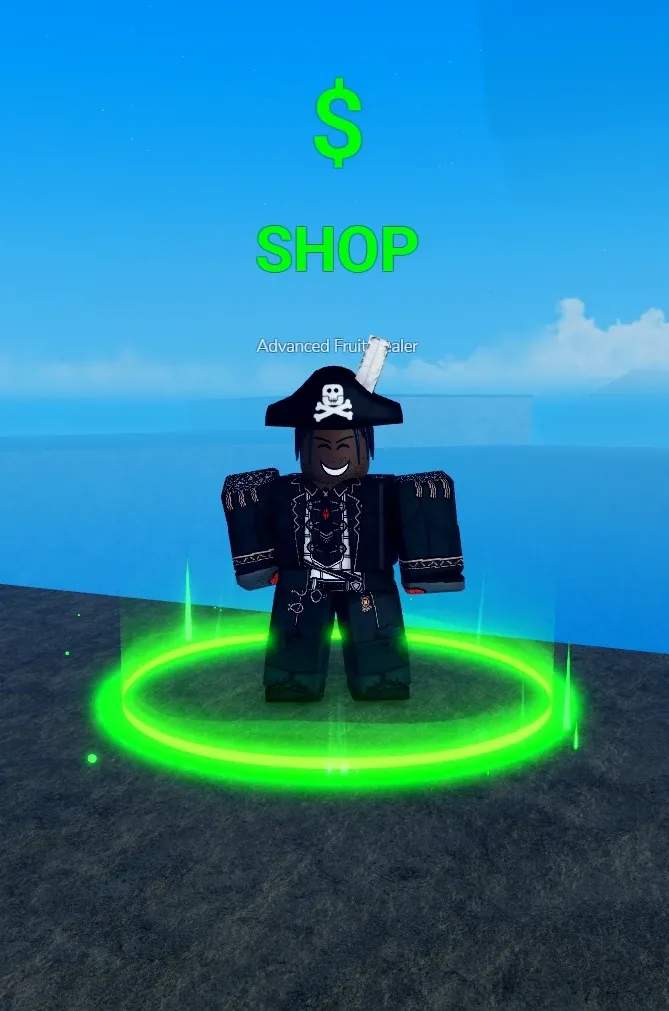
If Mirage Island appears, search the island for the Advanced Fruit Dealer. He has a separate stock that refreshes every two hours. Buy Ice only if it appears there; this still costs Money and equips the fruit rather than giving a stored physical item. His position on the island varies.
Train the base moves
Equip Ice and use it to finish enemies so its fruit Mastery increases. These are the first/base moves listed in the checked reference; transformed or awakened versions can behave differently.
| Input | Move | Mastery |
|---|---|---|
| Z | Ice Spears | 1 |
| X | Ice Surge | 25 |
| C | Ice Bird | 50 |
| V | Glacial Epoch | 100 |
| F | Ice Skating | 0 |
Its Elemental Reflex is conditional: it does not protect against bosses, Aura attacks, or every ordinary enemy at your current level. Fruit stats, unlocked moves and a transformation meter are separate from owning a physical or permanent fruit.
Optional awakening
- Have Ice equipped and gather a group for the Ice raid. You can join raids from Level 700; buying basic raid chips requires Level 1,100.
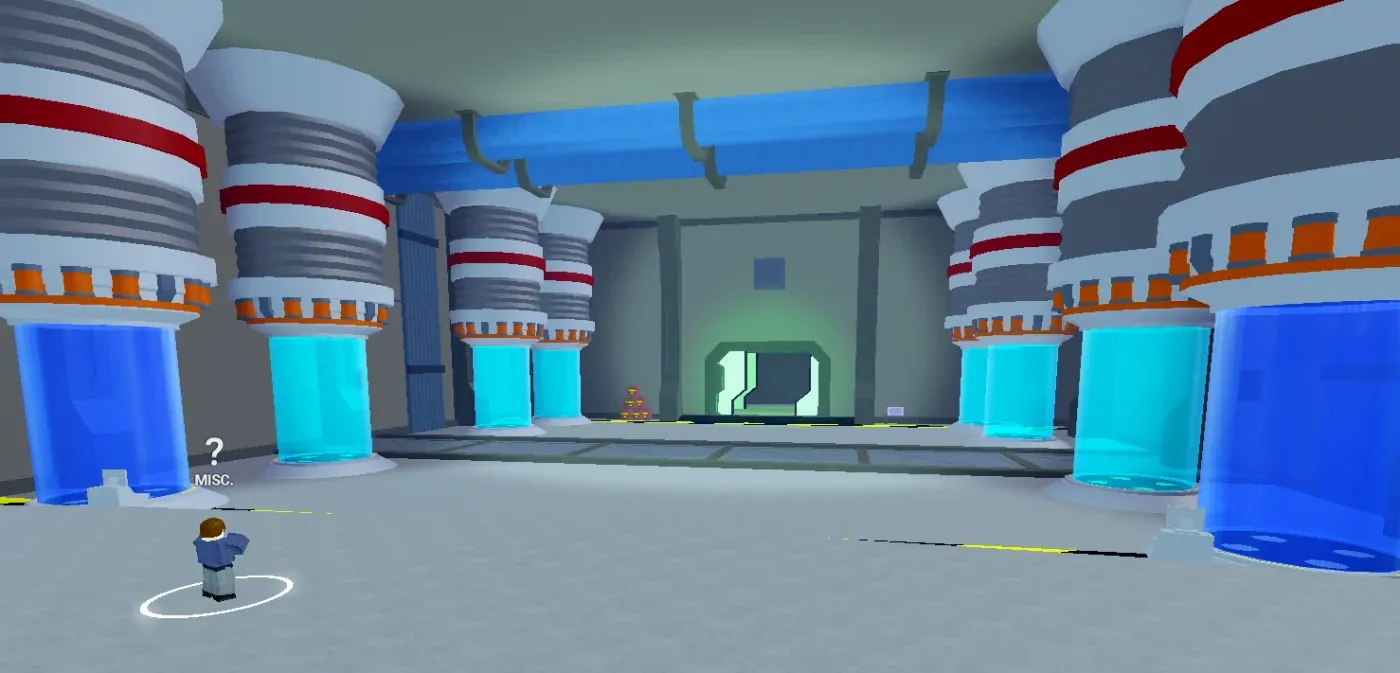
- In the Second Sea, enter the laboratory on the cold side of Hot and Cold. With empty hands, set the computer colors to Red → Blue → Green → Blue and use the newly opened passage. In the Third Sea, use the raid room inside the Castle on the Sea main building.
- Talk to Mysterious Scientist, choose the Ice raid, and buy a basic Microchip for 100,000 Money or the accepted physical-fruit payment. The host starts the raid while the group stands in the tubes/platforms.
- Clear all five islands, including the final boss, before time runs out. Survive with Ice equipped. A successful matching raid leads to Mysterious Entity, who offers the next awakening for Fragments.
- Pay for that move, then repeat matching raids for later moves. Full awakening costs 14,500 Fragments, separate from chip purchases.
Awakening payments: Z: 500 Fragments; F: 2,000 Fragments; X: 3,000 Fragments; C: 4,000 Fragments; V: 5,000 Fragments.

Sources and image credits
Fruit status, price and move reference checked November 16, 2026. Supporting records retain their individual checked dates below; seasonal sources do not prove a live event is active. This is original guide prose based on revision-pinned community documentation; the game shop and inventory are the final check for your account.
- Ice — revision 451737 (checked 2026-11-16).
- Blox Fruit Dealer — revision 382771 (checked 2026-11-16).
- Blox Fruit Gacha — revision 448768 (checked 2026-11-16).
- Advanced Fruit Dealer — revision 439707 (checked 2026-11-16).
- Permanent Blox Fruits — revision 441854 (checked 2026-11-13).
- Trading — revision 387263 (checked 2026-11-13).
- Fruit Spawn Locations — revision 448001 (checked 2026-11-16).
- Raids — revision 445017 (checked 2026-11-16).
- Mysterious Scientist — revision 448186 (checked 2026-11-16).
Image file credits: File:Ice Fruit.png, File:Blox Fruit Dealer.png, File:Blox fruit gacha 1.gif, File:Advanced Blox Fruit Dealer(2).png, File:Raid Room (Second Sea).png, File:Mysterious Scientist.png.


Images are actual game renders or gameplay references from the Blox Fruits Wiki, hosted locally and converted to WebP where needed. The wiki licensing notice applies to wiki contributions; game assets belong to their respective owners. Image origins, timestamps and file hashes are recorded in the site’s fruit-guide source manifest. The Rogue image is a gameplay frame because the source documents no physical icon.