
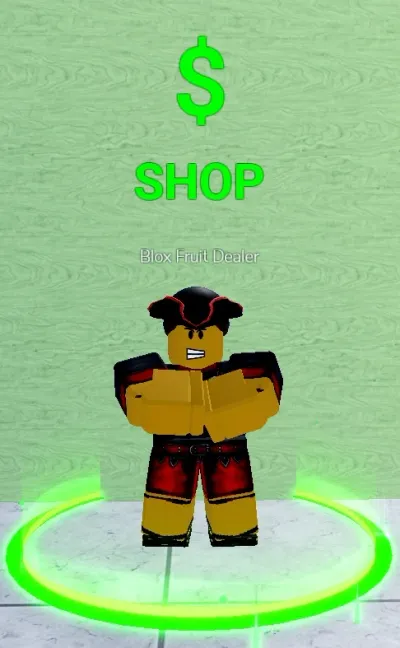
Where to find the normal dealer
- First Sea: Pirate Starter, Marine Starter and Middle Town.
- Second Sea: Kingdom of Rose and Café.
- Third Sea: Port Town and Mansion on Floating Turtle.
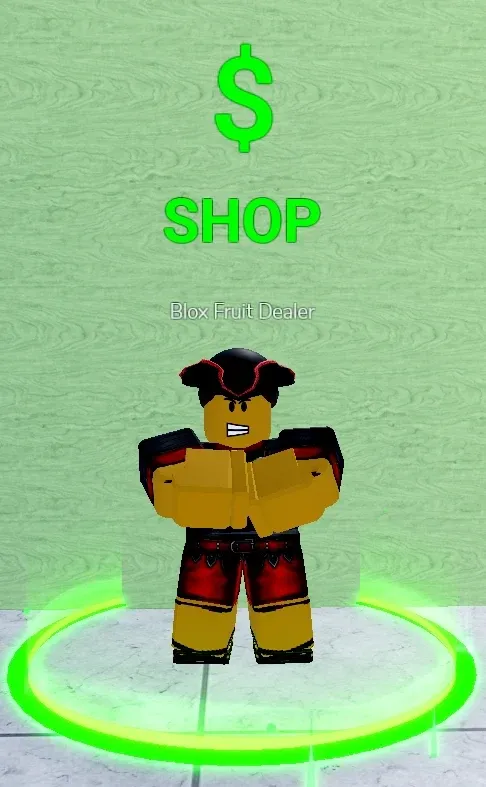
Buy the fruit you intend to equip
- Speak to Blox Fruit Dealer at a listed location.
- Find your desired fruit and read its current stock status and price. The fruit guides explain individual acquisition routes and requirements.
- For a Money purchase, wait until that fruit is in stock and check that you want to replace your currently equipped fruit.
- Confirm the purchase only when ready: the Money route equips the new fruit immediately. It does not hand you a stored physical fruit for trading.
- For permanent ownership, select the Robux/permanent route and verify the product and final prompt. An owned permanent fruit can be equipped again even when it is out of normal stock.
How regular stock works
Normal stock refreshes every four hours and is the same across all servers. Restarting or changing servers does not create a new regular stock roll. The normal dealer has at least three fruits in stock, including Rocket and Spin; that does not guarantee any particular rare fruit.
The Advanced Fruit Dealer on Mirage Island has a separate stock. For a random physical fruit, use Blox Fruit Gacha instead.
Cost
The selected fruit’s displayed Money price, or its separate permanent Robux product price. These are different purchase routes; check the exact fruit before confirming.
What it does: A Money purchase equips an in-stock fruit and replaces the previous equipped fruit. A permanent purchase grants repeat access to that permanent fruit.
Sources & image credits
Sources and image credits
Checked November 17, 2026 against pinned Blox Fruits Wiki revisions: Blox Fruit Dealer.
Actual game NPCs, locations and interfaces by Blox Fruits Wiki contributors: File:Blox Fruit Dealer.png. Images were resized without enlargement and converted to WebP, preserving source content and aspect ratio. Animated NPC sources use a representative original frame. Source metadata, original and output hashes are recorded in the gameplay-systems research manifest.
