
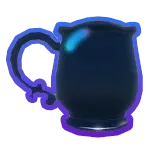
Kitsune Aura is a possible reward from Kitsune Shrine, separate from the Kitsune fruit and Empyrean mutation. Its unlock is random; one offering does not guarantee this skin.
Requirements
- Third Sea access and a boat for the Sea Danger Level 6 hunt.
- A Full Moon. The boat’s owner must be aboard for the documented island-spawn route.
- Time and movement tools to collect at least 15 Azure Embers during the shrine event.
Step 1: Find Kitsune Island
- Sail toward Sea Danger Level 6 before the Full Moon, or enter it promptly as the Full Moon rises.
- Keep the boat’s owner aboard and watch for the mysterious-shrine system message and Kitsune Island. The source describes a single island spawn per server, so an earlier group may already have triggered it elsewhere.
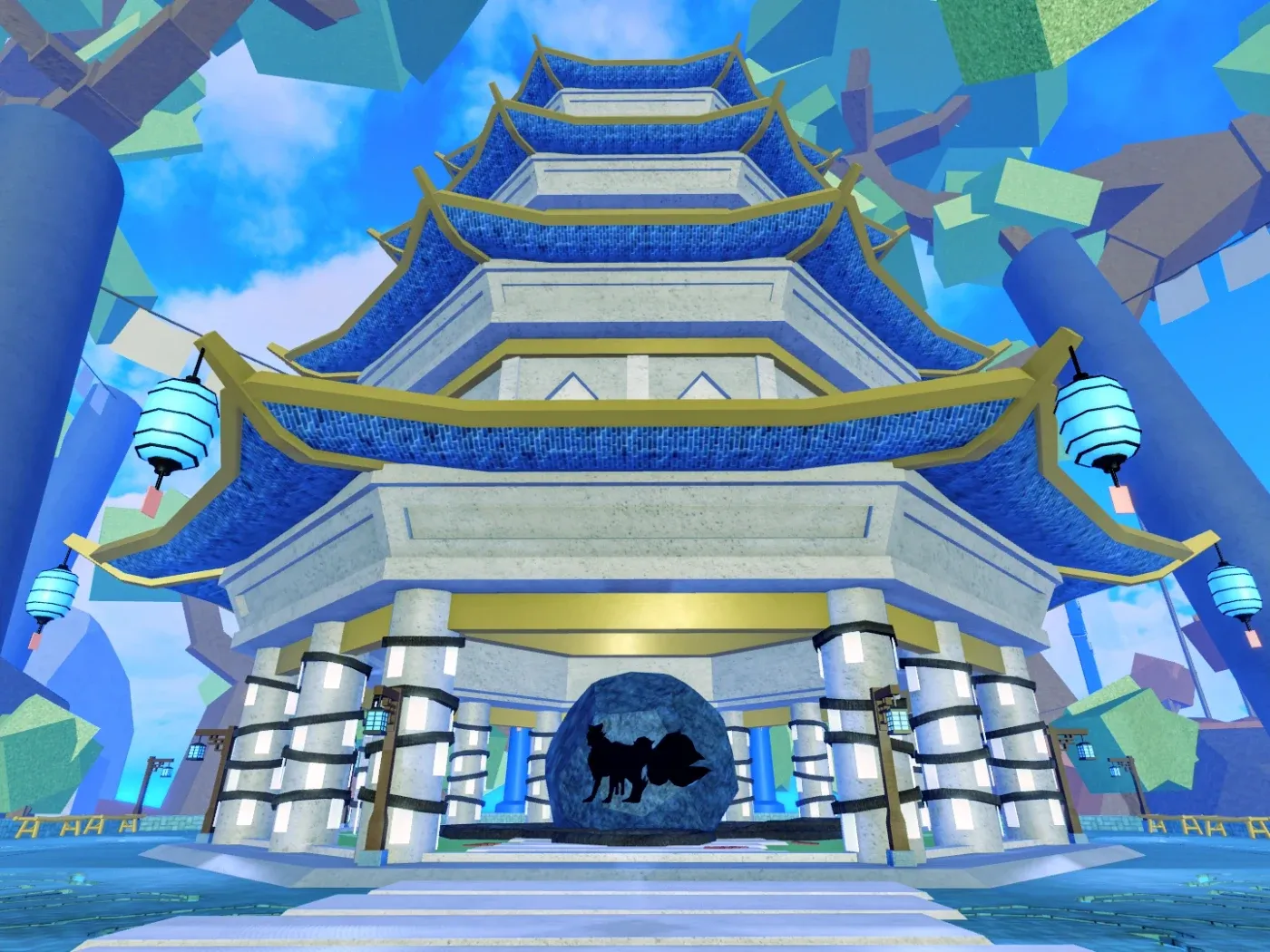
- Enter the island and go to the shrine boulder. See the complete Kitsune Shrine activity if you need the full event route.
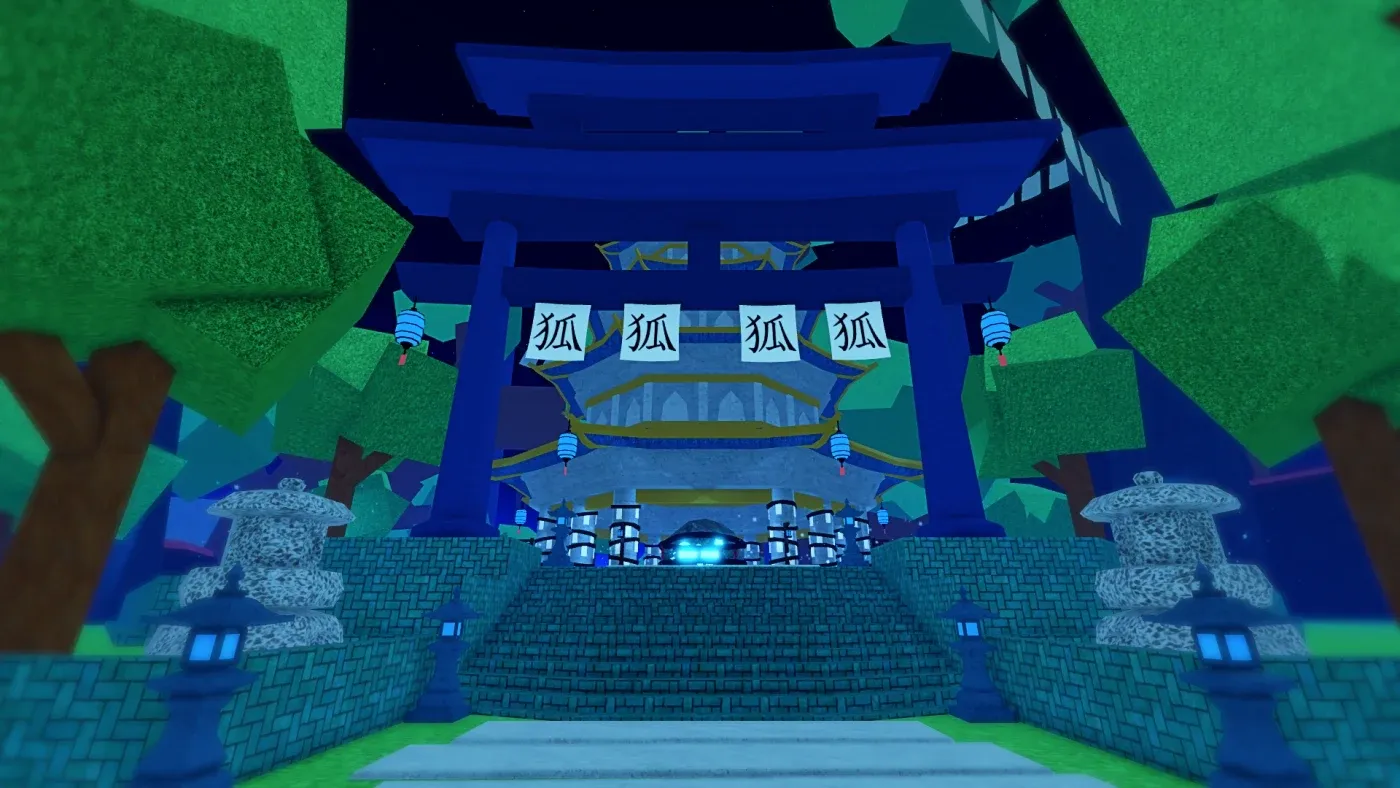
Step 2: Offer15–25 Azure Embers
- Interact with the shrine to start its five-minute Blue Moon collection event.
- Collect the moving Azure Embers around the island. They are individual player spawns rather than a shared fixed pile.
- Bring 15–25 Embers to the shrine. 25 is the listed carrying cap; the Aura skin belongs to the 15–25 reward tier.
- Offer them before Blue Moon ends. The shrine takes all the Embers you currently carry. Smaller10–14 offerings only enter the lower currency tier.
- Check your unlocked Aura skins. If another reward or nothing appears, the Kitsune Aura did not unlock; continue collecting while time remains or try a later event. No fixed number of offerings guarantees it.
Equip the unlocked Aura skin
- Open Menu → Items → Wardrobe → Skins and select the unlocked Aura skin. Choose its equip option.
- Activate Aura with J on keyboard to see the equipped color. Learning a color does not replace learning the Aura ability.
- If you use Aura Editor to change the displayed body stage, remember that appearance changes do not train the actual Aura EXP counter.
Cost
15–25 Azure Embers per qualifying offering, all consumed together. No fixed Money, Fragment or Robux purchase for this Aura skin is listed. A random reward means there is no guaranteed total offering cost.
What it does: Unlocks the animated Kitsune Aura appearance. It is cosmetic and does not grant the Kitsune fruit or combat stats.
What Kitsune Aura looks like
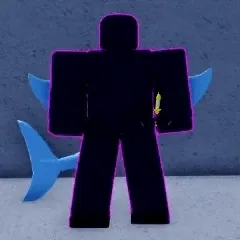
This is an actual game appearance reference. The selected Aura stage changes how much of the body is shown with the effect.
Sources & image credits
Checked November 17, 2026 against pinned primary community-game documentation:
- Skins, revision 446072.
- Kitsune Island, revision 437884.
- Kitsune Shrine, revision 449154.
- Inventory, revision 446465.
Actual game icon/appearance and route image credits: File:Aura Kitsune Icon.png, File:Kitsune0.gif, File:Kitsune Island Entrance.png, File:Kitsune Shrine Full.png. Images belong to their game creators and Wiki file contributors; local copies preserve the original aspect ratio and use WebP conversion. Animated appearance references are shown as a still frame. No generated gameplay image is used.


Source acquisition and image hashes are recorded in research-expansion-cosmetics-sources.json. Guide prose is original. Wiki contributions follow the Fandom licensing terms, unless a particular source states otherwise.