
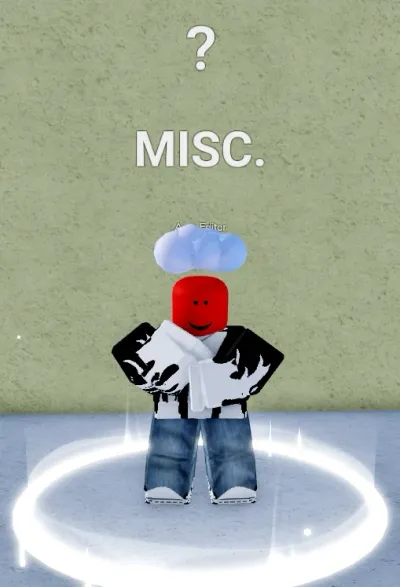
Find Aura Editor
- First Sea: inside the red-roofed house at Middle Town, near the relocated Blox Fruit Gacha. You can walk through the apparent door.
- Second Sea: Kingdom of Rose, near the Home Point NPC by Don Swan’s Mansion.
- Third Sea: inside Castle on the Sea’s main building, to the right of the entrance.
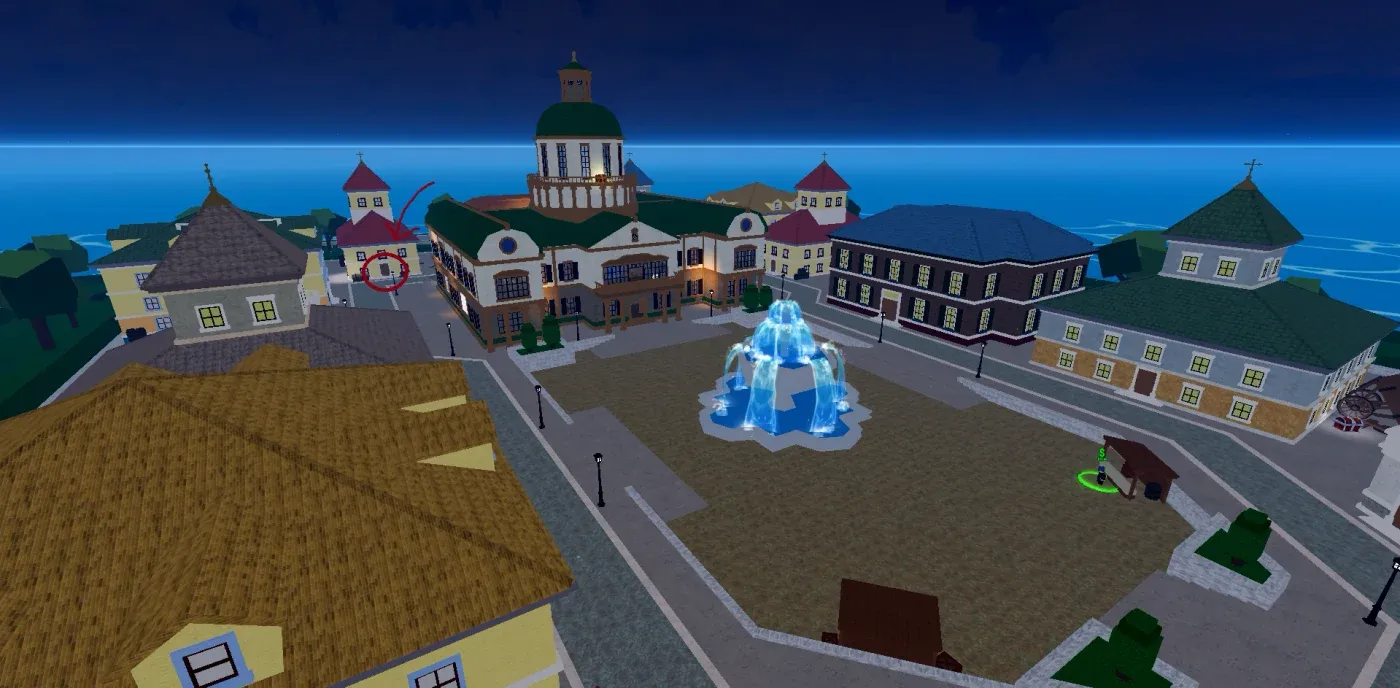
Select a visual stage
- Learn and train Aura before expecting later stages in the editor.
- Visit an Aura Editor location in your current sea and interact with the NPC.
- Select the display stage you want, from Stage 0 through Stage 5, limited by the stages you have actually unlocked.
- Activate Aura and inspect the coverage on your character.
- Return to the editor whenever you want another unlocked display stage.
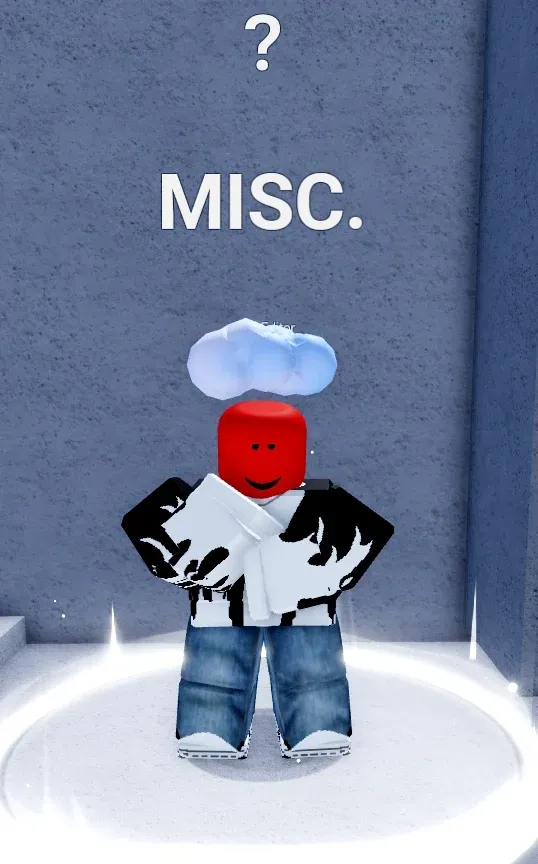
Display stage versus strength
Choosing an earlier visual stage keeps the benefits of your highest trained Aura stage. Selecting a stage is not an Aura EXP purchase and does not immediately train Stage 5. For Aura colours and their separate acquisition routes, use Skins, Aura & Profiles.
Cost
Aura Editor has no listed editing fee. Buying or crafting an Aura skin is a separate cost.
What it does: Changes the visible Aura body coverage among your unlocked stages while preserving your actual trained Aura strength.
Sources & image credits
Sources and image credits
Checked November 17, 2026 against pinned Blox Fruits Wiki revisions: Aura Editor, Middle Town.
Actual game NPCs, locations and interfaces by Blox Fruits Wiki contributors: File:Auraeditor1sea.png, File:Middle Town The Son Quest Update 30.png, File:Auraeditor3sea.png. Images were resized without enlargement and converted to WebP, preserving source content and aspect ratio. Animated NPC sources use a representative original frame. Source metadata, original and output hashes are recorded in the gameplay-systems research manifest.


